If you are located in the EU:
To learn why your VAT number is invalid, enter it on the VIES website. If your VAT number is registered domestically but not for cross-border transactions within the EU, VIES will return a message like this:
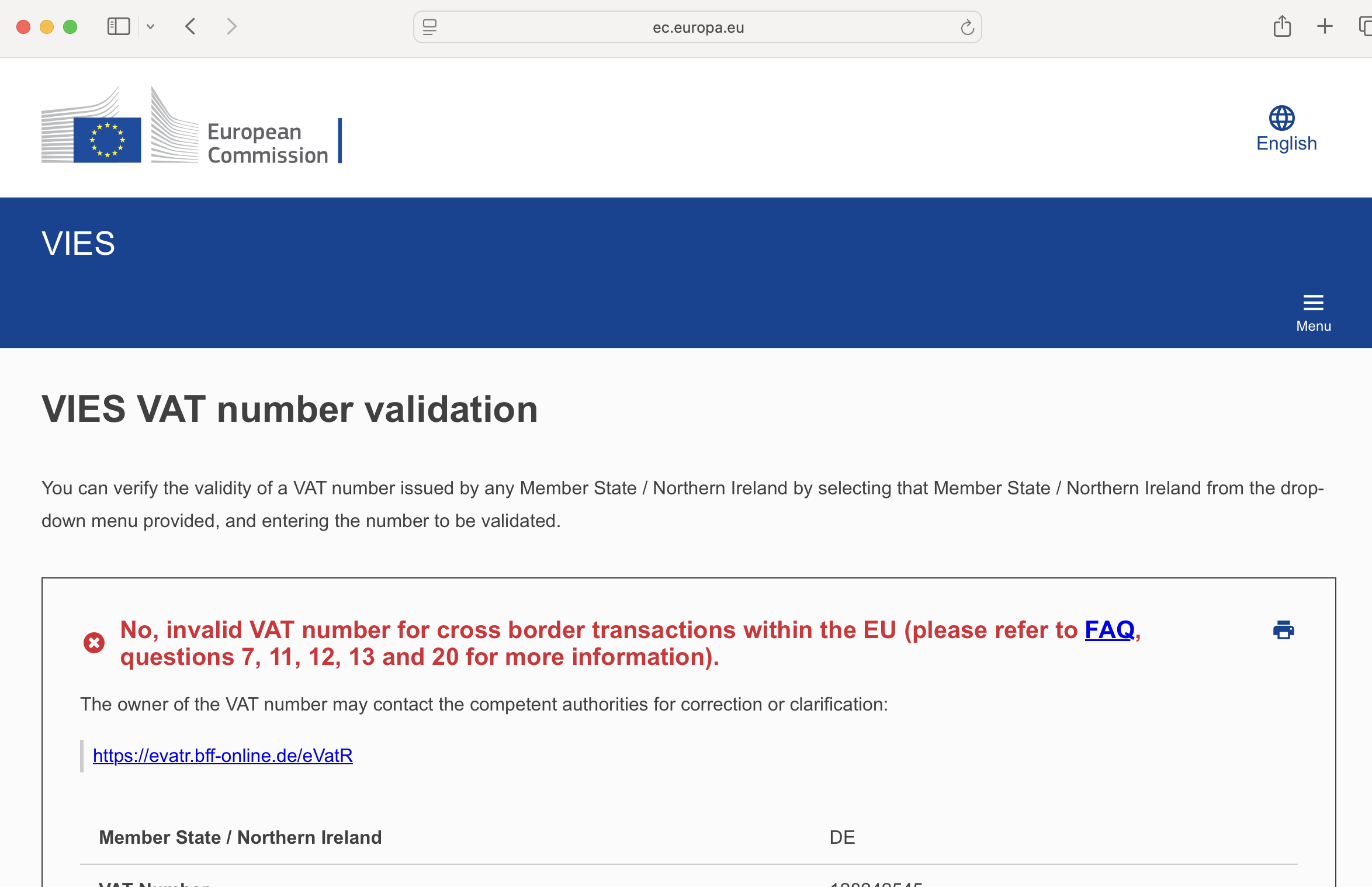
Activation of cross border for VAT is a very short process with local tax authorities. It is then activated over the following 24 hours. Please follow the steps below to quickly enable your VAT for cross border transactions:
Contact your accountant or tax advisor
They can:
- Confirm whether your VAT number is correctly registered
- Check whether it has been activated for intra‑Community transactions
- Identify any missing filings or administrative requirements
Contact your local tax authority (VAT office)
If needed, your tax authority can:
- Activate your VAT number for EU cross‑border trade
- Correct any discrepancies in your registration details
- Update the information transmitted to the VIES system
- Below, you can find a list containing the web-links to the homepages of the national tax administrations that you can contact for correction
Please note that only the national tax authority can update or correct VAT data in VIES; third parties cannot make changes on your behalf.
Next steps
Once your VAT number has been corrected and appears as valid in VIES, please complete the account registration process at https://lupulinexchange.com/register
If you have any questions or need further clarification, please do not hesitate to contact us.
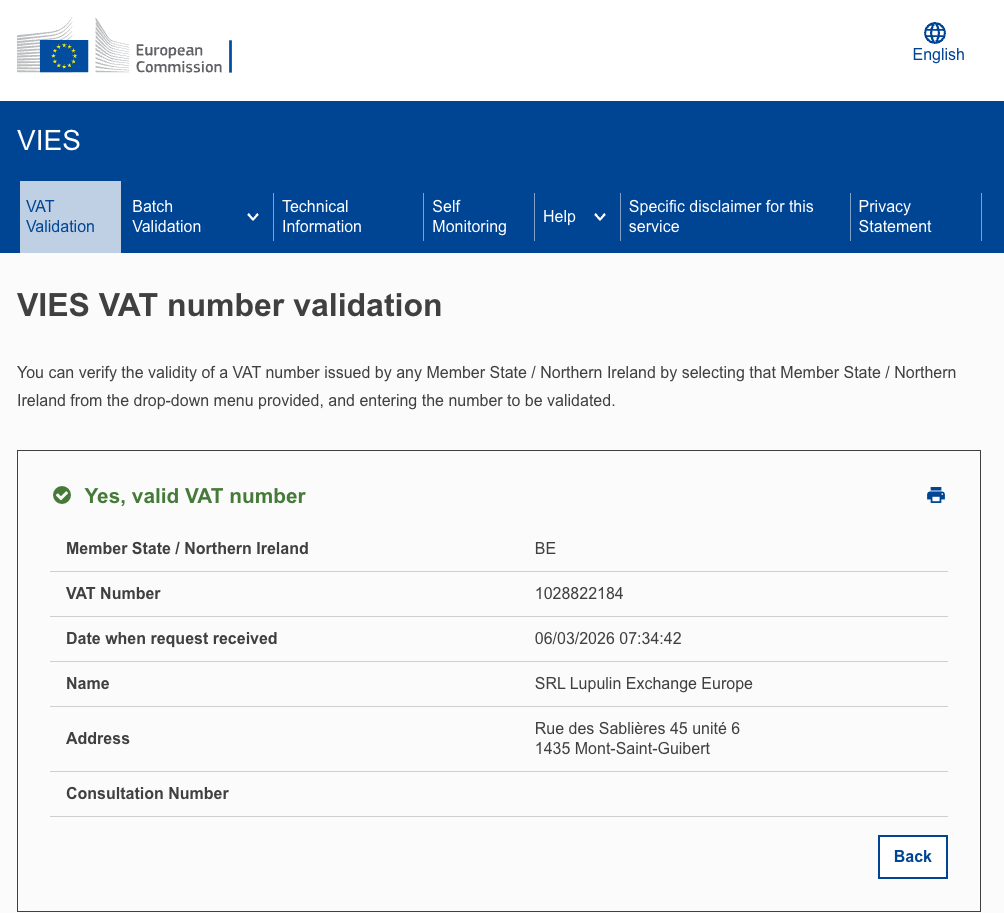
If you need to validate our VAT: